This article was a guest contribution from our friends at miniOrange.
What is OAuth SSO? Single Sign-On (SSO) is an authentication process in which a user is provided access to multiple applications/websites by using only one set of login credentials.
Prerequisites
Step 1: Setup Azure AD as OAuth Provider
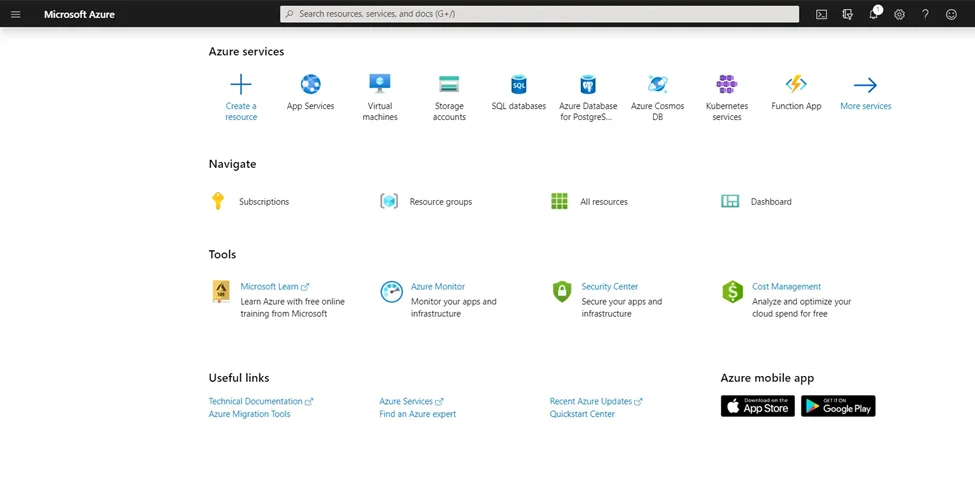
- Sign in to portal.azure.com.
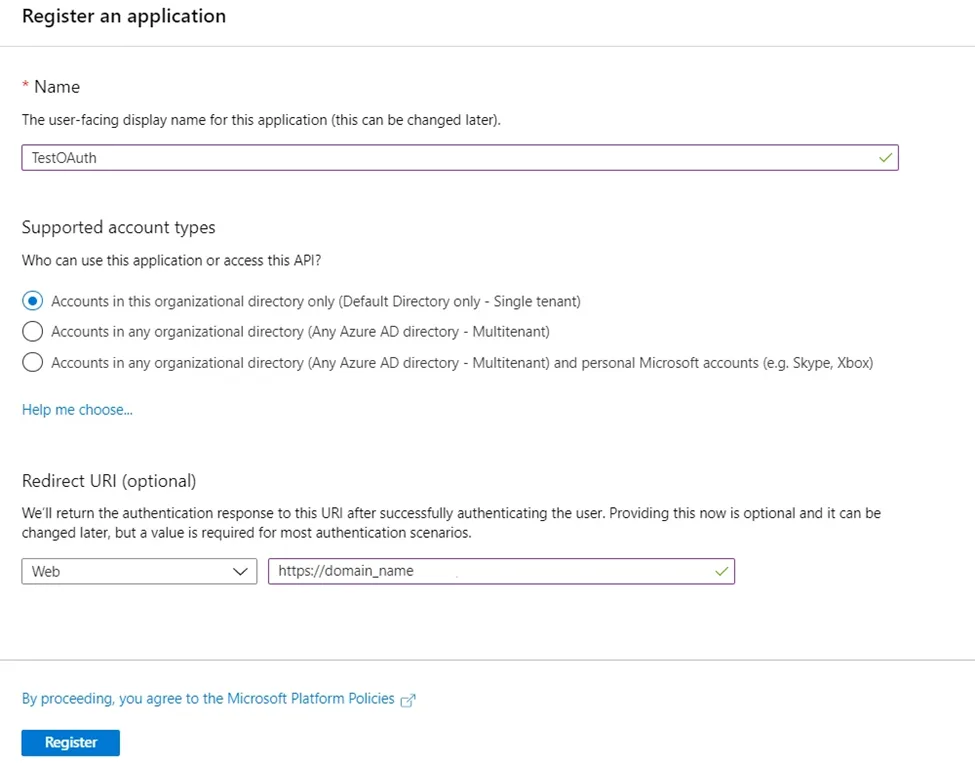
- Go to Azure Active Directory > App registrations > New registration.
- Enter a name, select Web app / API, and provide your WordPress site URL.
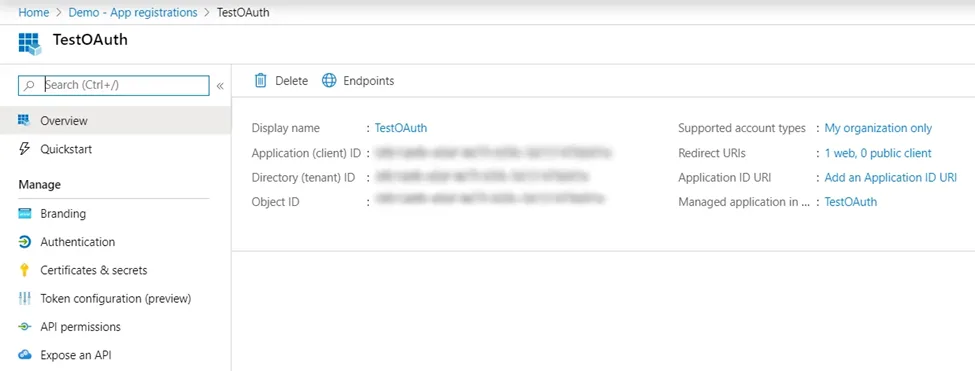
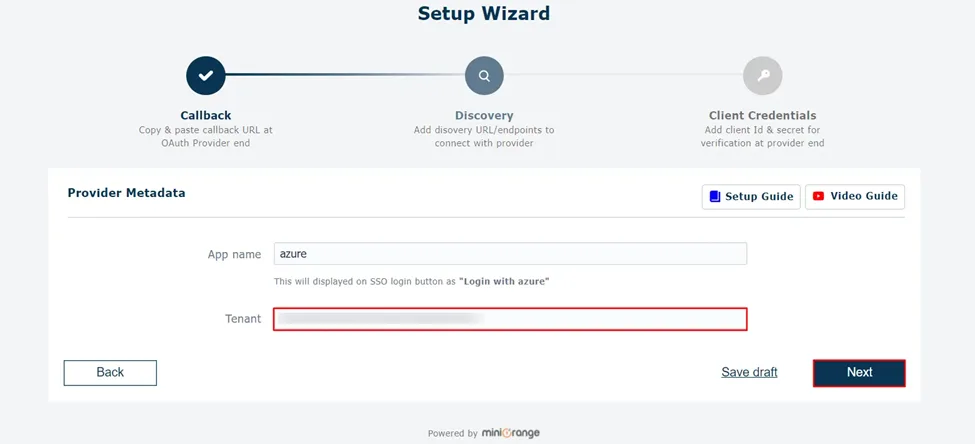
- Copy the Application ID (Client ID) and Directory ID (Tenant ID).
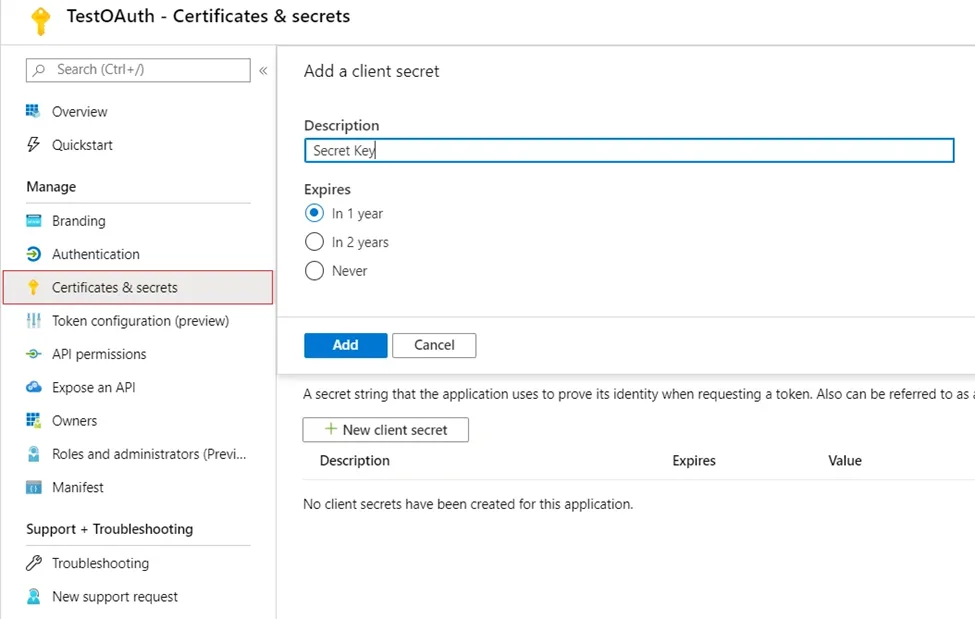
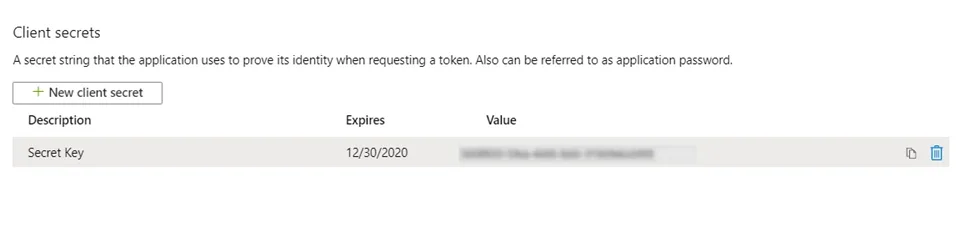
- Go to Certificates & secrets > New client secret. Copy the value.
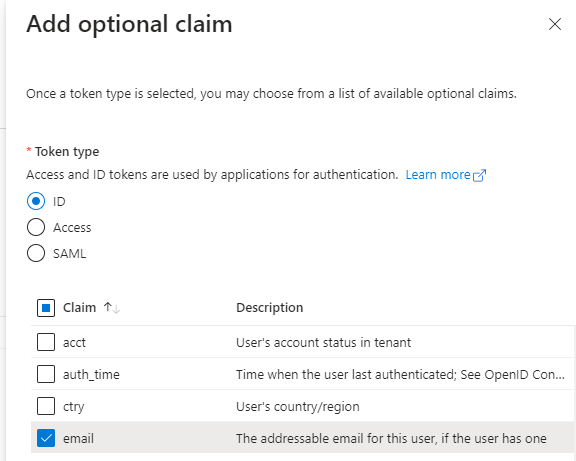
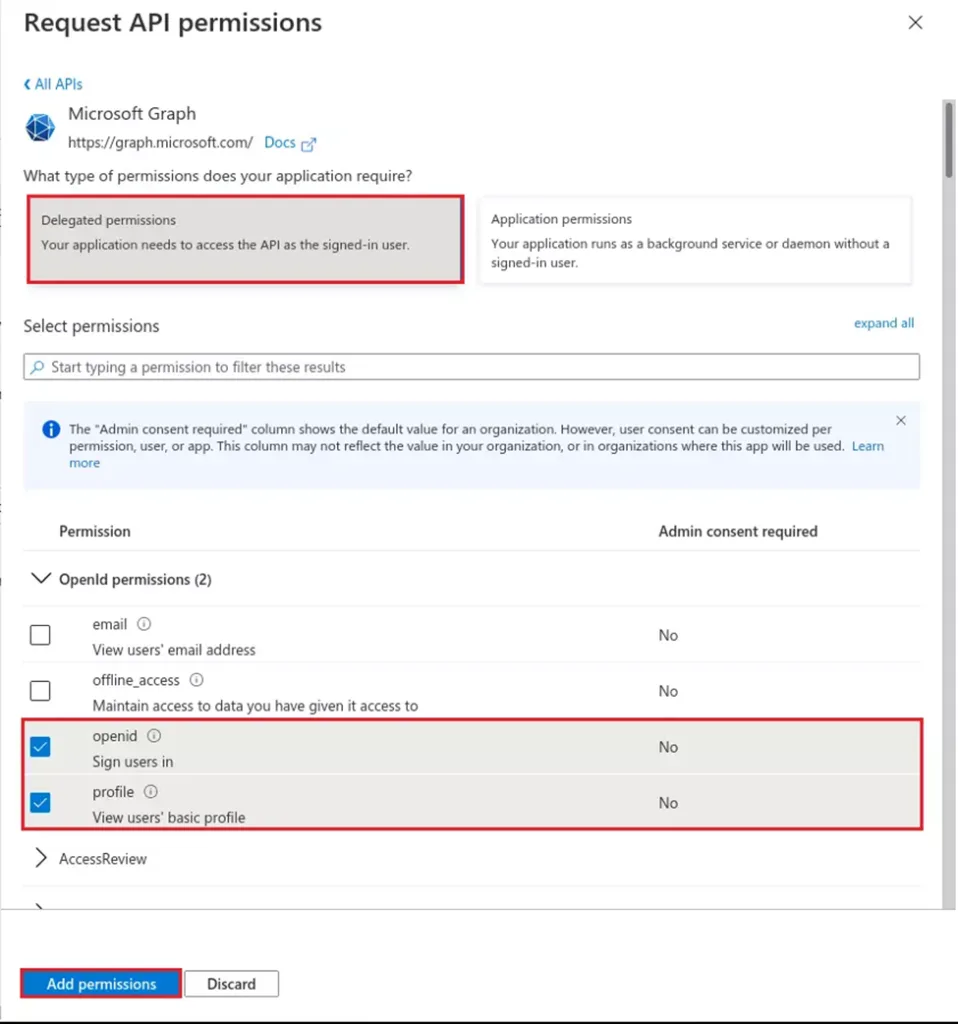
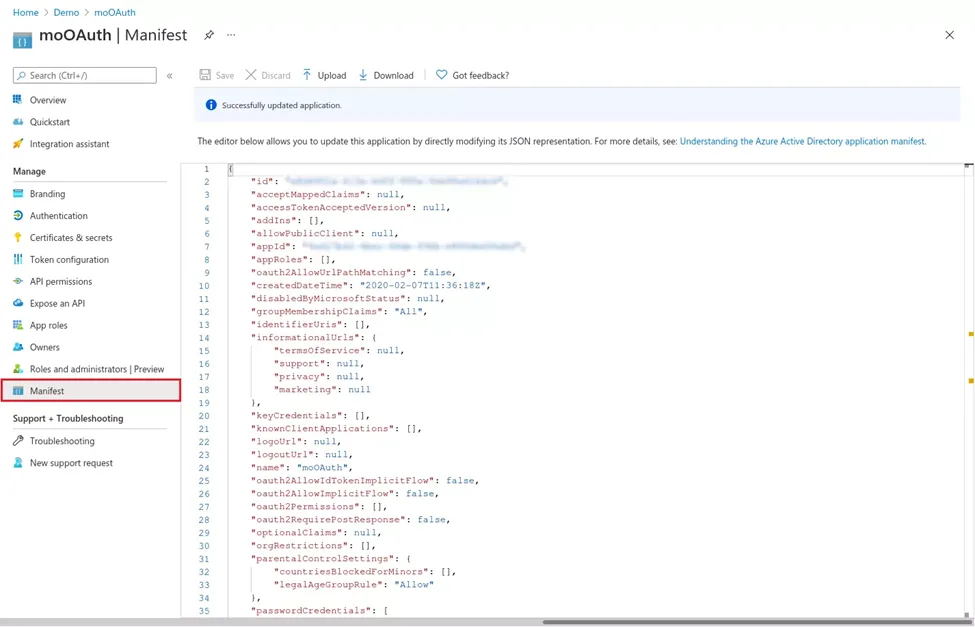
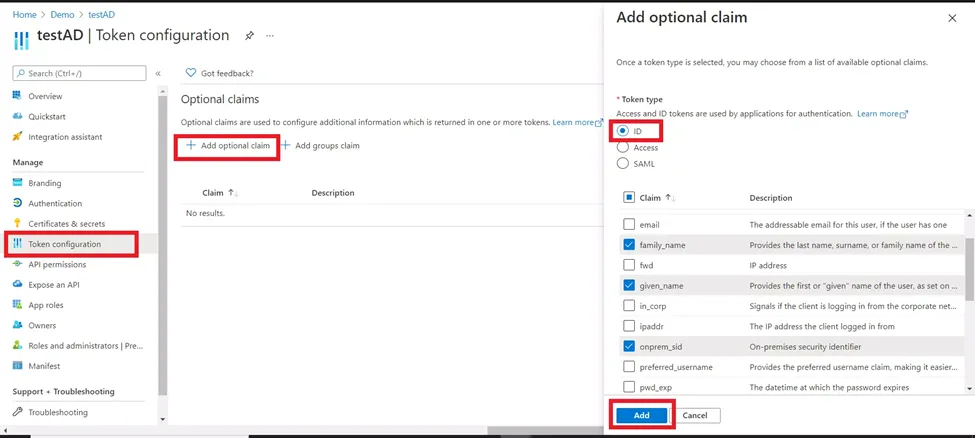
- Go to Token configuration > Add optional claim > ID and choose email.
Step 2: Setup WordPress as OAuth Client
- In WordPress, go to the miniOrange plugin settings.
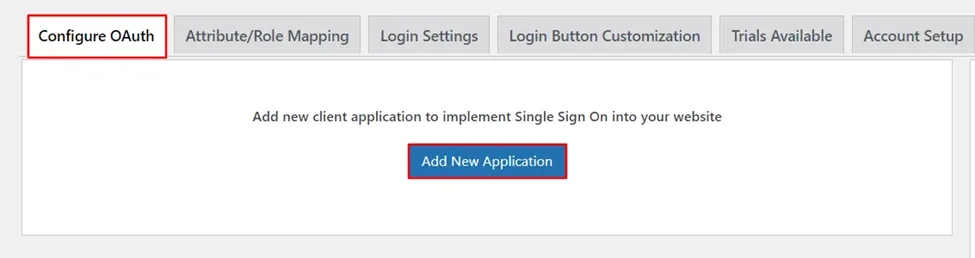
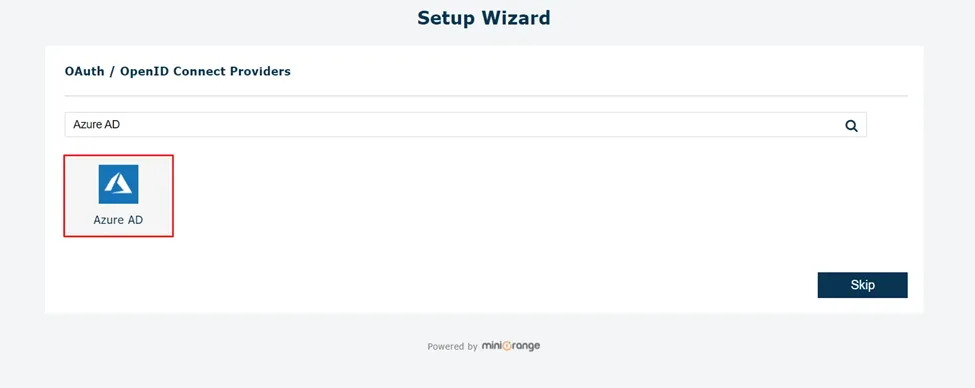
- Click Configure OAuth > Add New Application and select Azure AD.
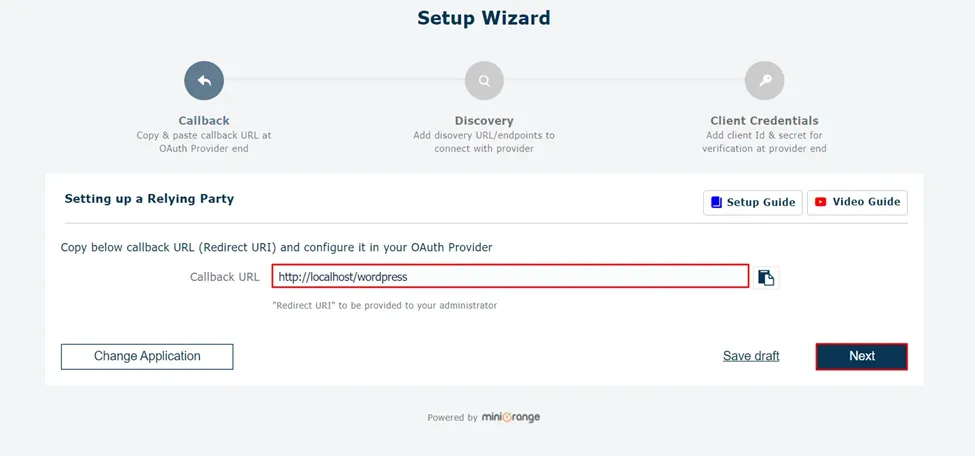
- Copy the Callback URL shown.
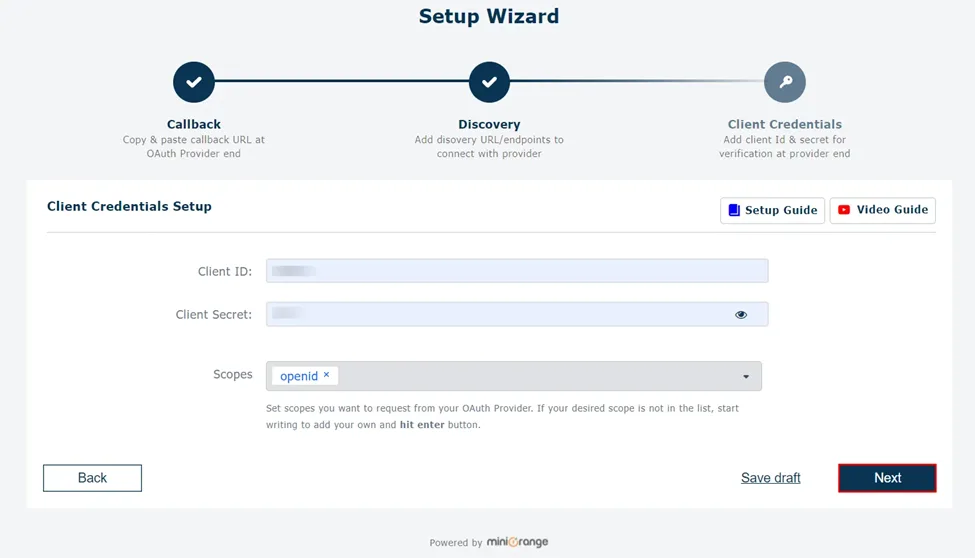
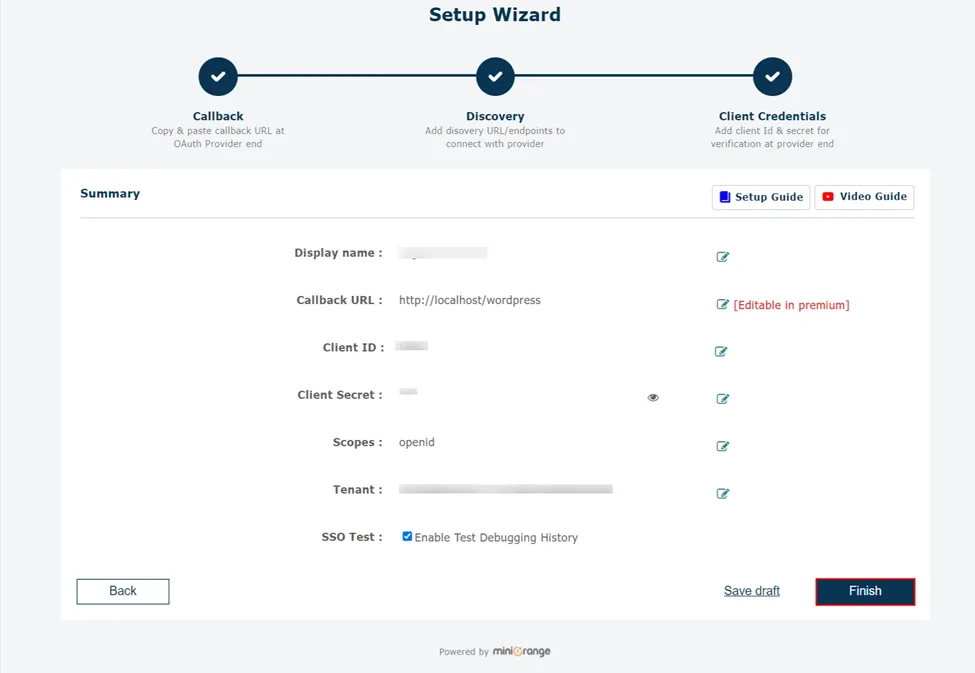
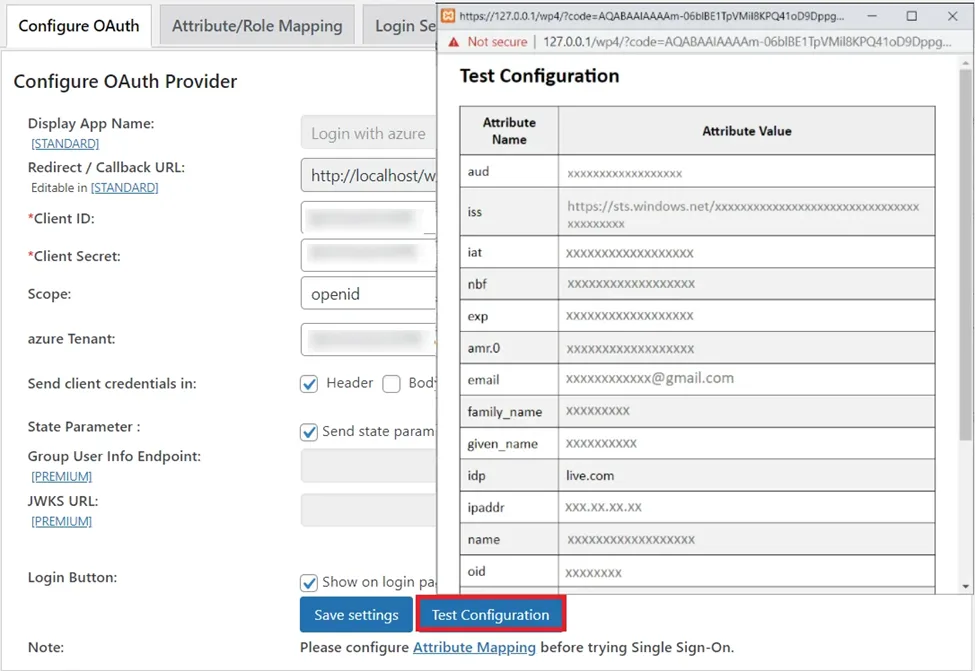
- Enter the Client ID, Client Secret, and Tenant ID from Azure AD.
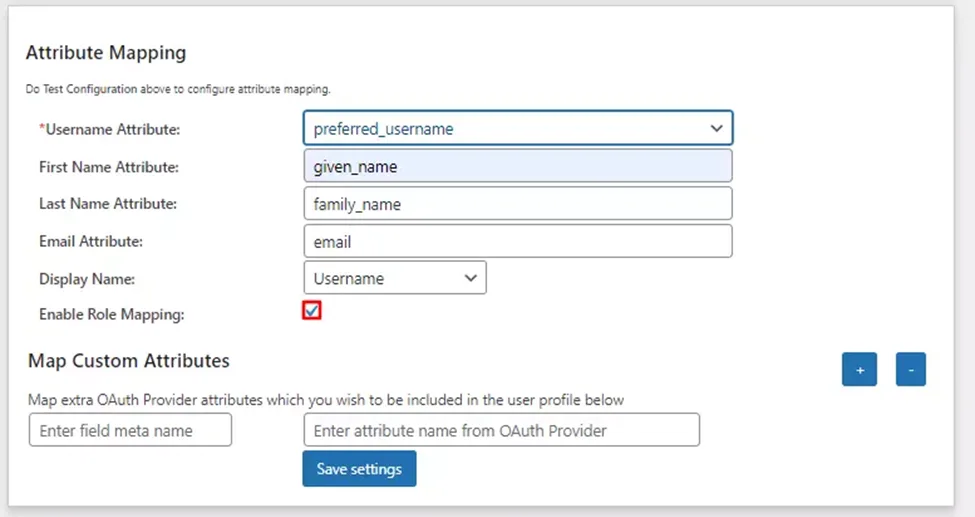
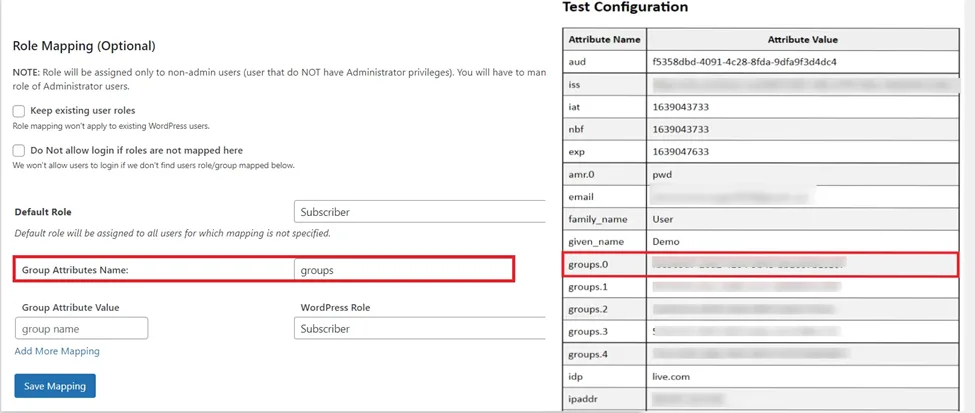
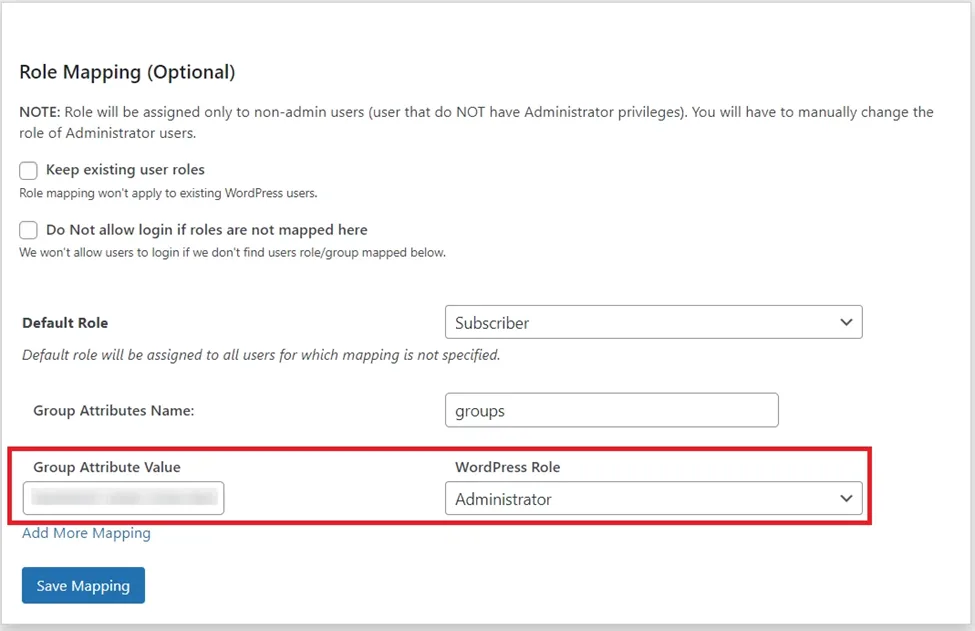
Step 3: Attribute Mapping
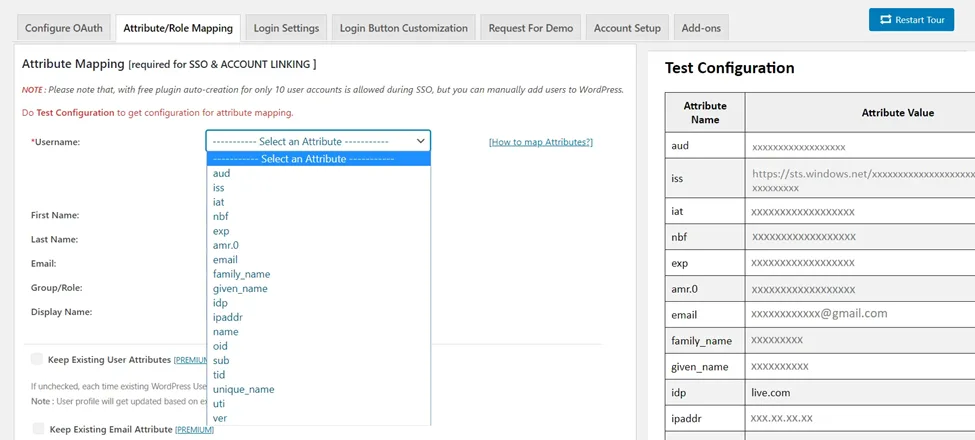
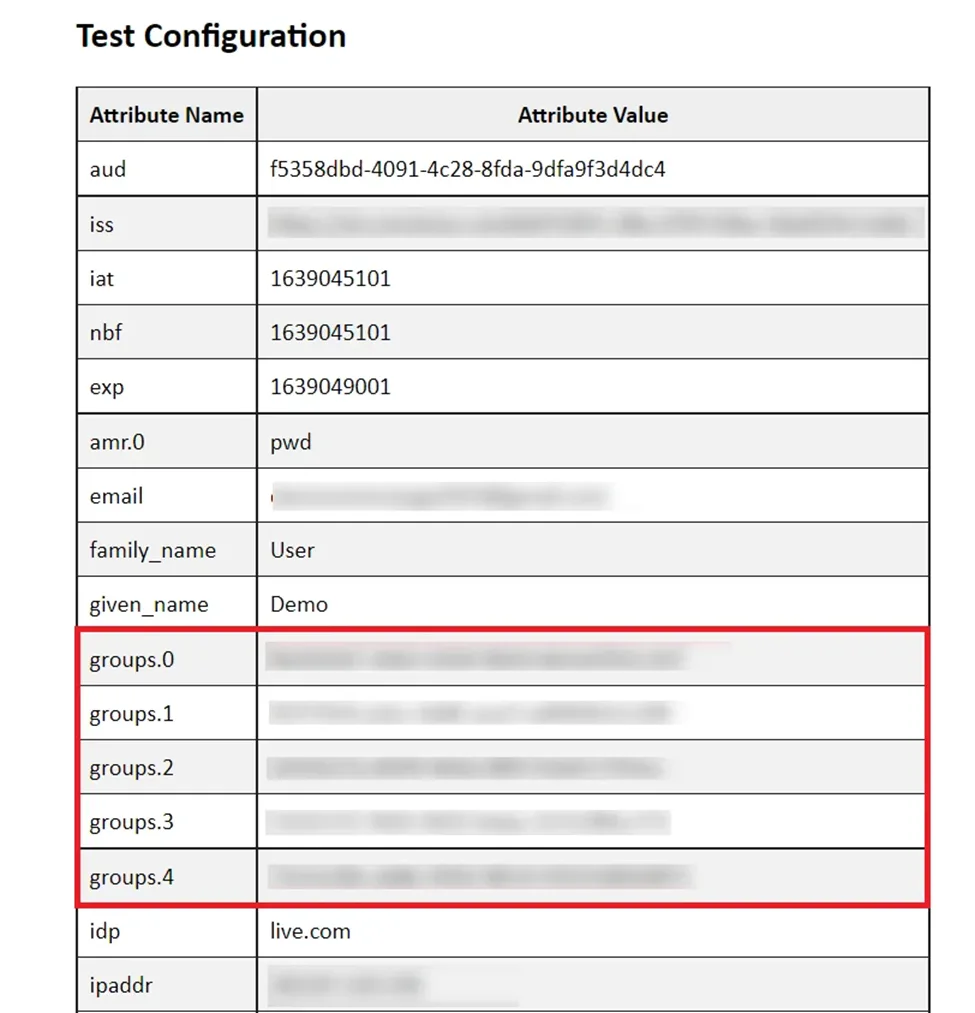
Go to Attribute / Role Mapping and map the username attribute. In our testing, unique_name works best with both Guests and normal users.
Scope & Endpoints
| Setting |
Value |
| Scope |
openid |
| Authorize Endpoint |
https://login.microsoftonline.com/<tenant-id>/oauth2/authorize |
| Access Token Endpoint |
https://login.microsoftonline.com/<tenant-id>/oauth2/token |
| User Info Endpoint |
https://login.windows.net/common/openid/userinfo |