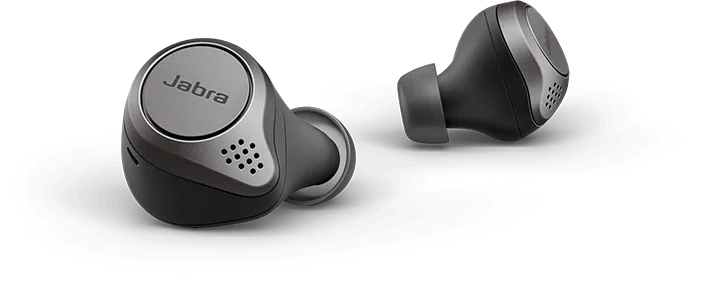
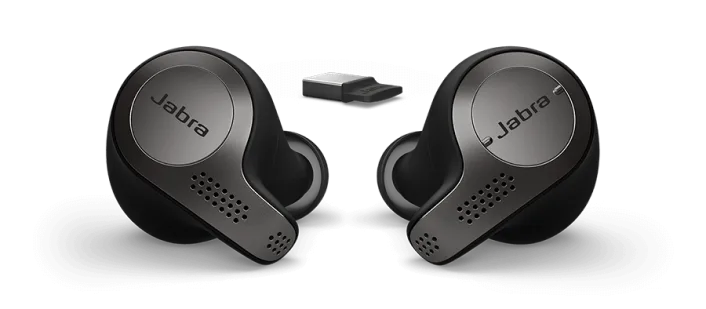
This is a review of the Jabra Elite 75t, and how to use these excellent earbuds with Microsoft Teams.
I was previously using a Jabra Evolve 65 wireless headset, but with everyone at home on Teams calls all day, the lack of noise isolation was a problem. AirPods Pro don’t work well at all with Teams on PCs — there is no volume adjustment in Teams calls so they’re always at full volume.
This solution works perfectly and allows you to benefit from Active Noise Cancellation as well as a solid Teams experience.
With the Jabra Link 370 dongle, the Elite 75t works perfectly with Teams on PC. Great sound, no complaints from anyone about background noise. Without the dongle, Bluetooth range is about 2m; with the dongle you can walk 10m away and still be on a call. The right button can also answer and hang up calls.
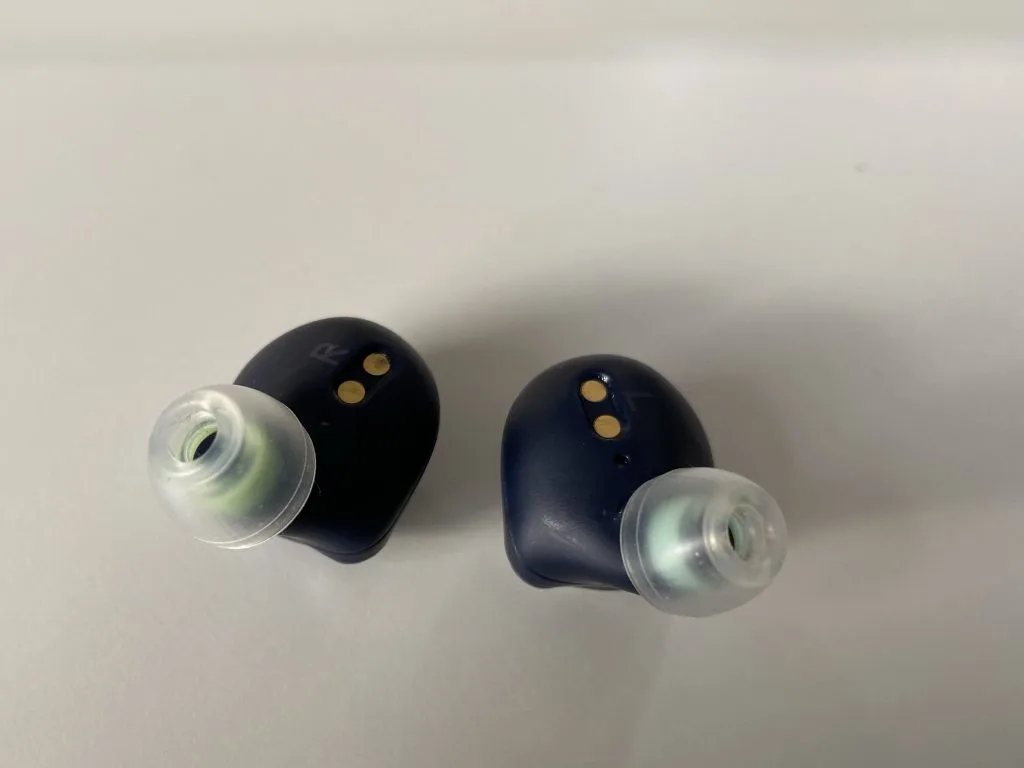
They are bigger and heavier than AirPods Pro. If you find them uncomfortable, try swapping the tips for SpinFit CP360 tips — they made a huge difference.
The 75t/dongle combo hits a sweet spot for home working. Get in the zone with music and ANC, jump on a Teams call, go for a run in the rain — these are earbuds that do everything.