
Shared mailboxes let a team manage one inbox together, but rules on a shared mailbox are not as easy to find as rules on your own mailbox. Here’s how to add, edit and delete them — in Outlook on the web, in the desktop client, and with PowerShell when you need to script it.
To manage rules on a shared mailbox you need:
Both are granted in the Exchange admin center or with PowerShell. Without Full Access the mailbox will not open at all, and without write access the Rules page will not save.
Outlook on the web is the most reliable place to manage shared mailbox rules, because the rule is stored in the shared mailbox itself and runs whether or not anyone has Outlook open.
To edit a rule, click it, change the condition or action and save. To delete one, click the bin icon next to it.
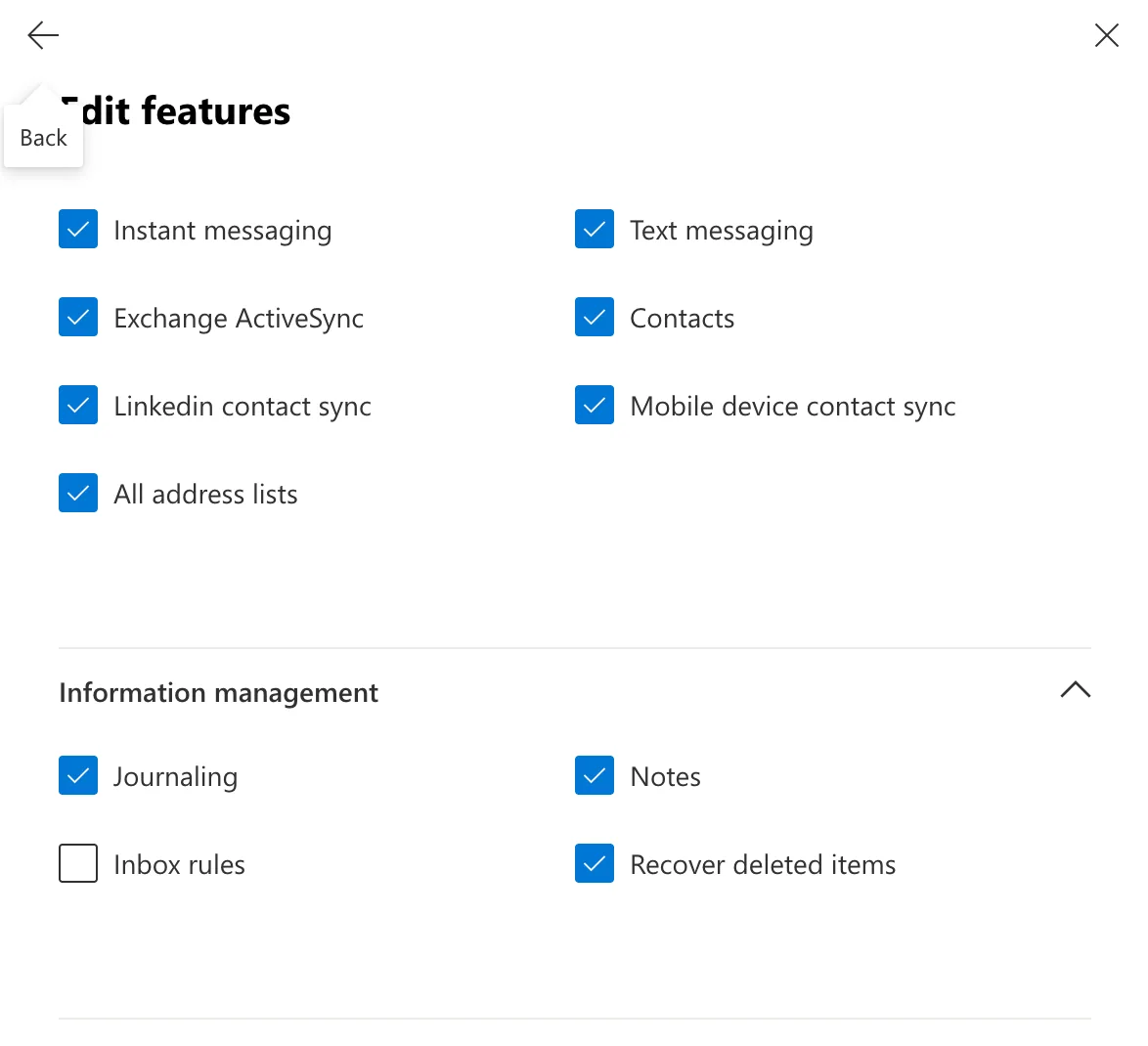
Outlook for Windows only shows the Rules and Alerts dialog for a shared mailbox if the mailbox is added as a separate account with a cached profile — the auto-mapped version that appears in your folder list is not enough.
If the shared mailbox is missing from that list, fall back to Outlook on the web or PowerShell — both always work.
For bulk rules, or rules that need to be consistent across a lot of mailboxes, use the Exchange Online PowerShell module.
Connect-ExchangeOnline

New-InboxRule `
  -Mailbox "support@contoso.com" `
  -Name "Move support email" `
  -From "customer@example.com" `
  -MoveToFolder "support@contoso.com:\Support" `
  -MarkAsRead $false
Useful commands once rules exist:
Get-InboxRule -Mailbox "support@contoso.com" — list the current rules.Set-InboxRule -Mailbox "support@contoso.com" -Identity "Move support email" -StopProcessingRules $true — disable a rule without deleting it.Remove-InboxRule -Mailbox "support@contoso.com" -Identity "Move support email" — delete a rule.Use Outlook on the web for one-off rules, add the mailbox as a separate account if you prefer the desktop client, and use New-InboxRule when you need to apply the same rule across several mailboxes or keep it under source control.
Need help with shared mailboxes or Exchange Online? Contact Cloudrun and we’ll take a look.

