Logo
Fix for Windows 10 Start Menu Search Not Working
Windows

Fix for Windows 10 Start Menu Search Not Working

6 February 2020 By Hal Sclater

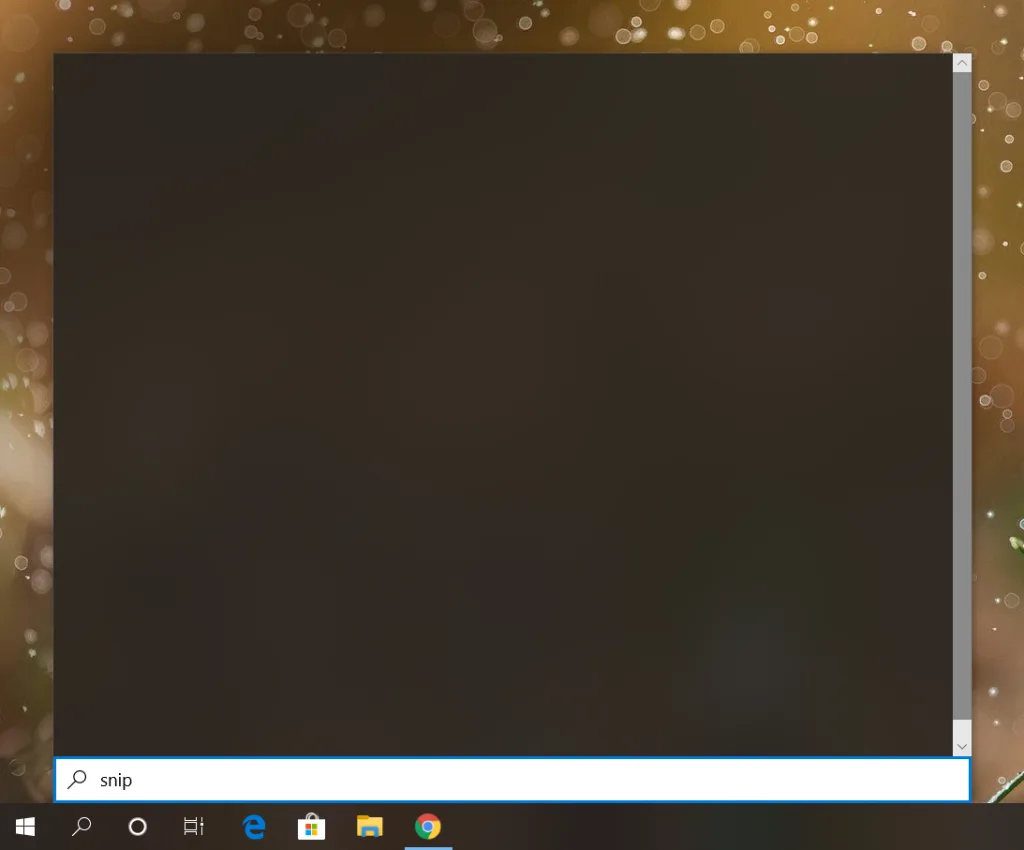
This is the fix for Windows 10 start menu search not working, affecting almost all Windows 10 users. The issue manifests as a blank start menu when searching.

  1. Run regedit.exe.
  2. Browse to HKEY_CURRENT_USER\SOFTWARE\Microsoft\Windows\CurrentVersion\Search.
  3. Create a new 32-bit DWORD called BingSearchEnabled and set to 0.
  4. Create another DWORD called CortanaConsent, also set to 0.
  5. Open Task Manager and restart Windows Explorer.

Blank Start