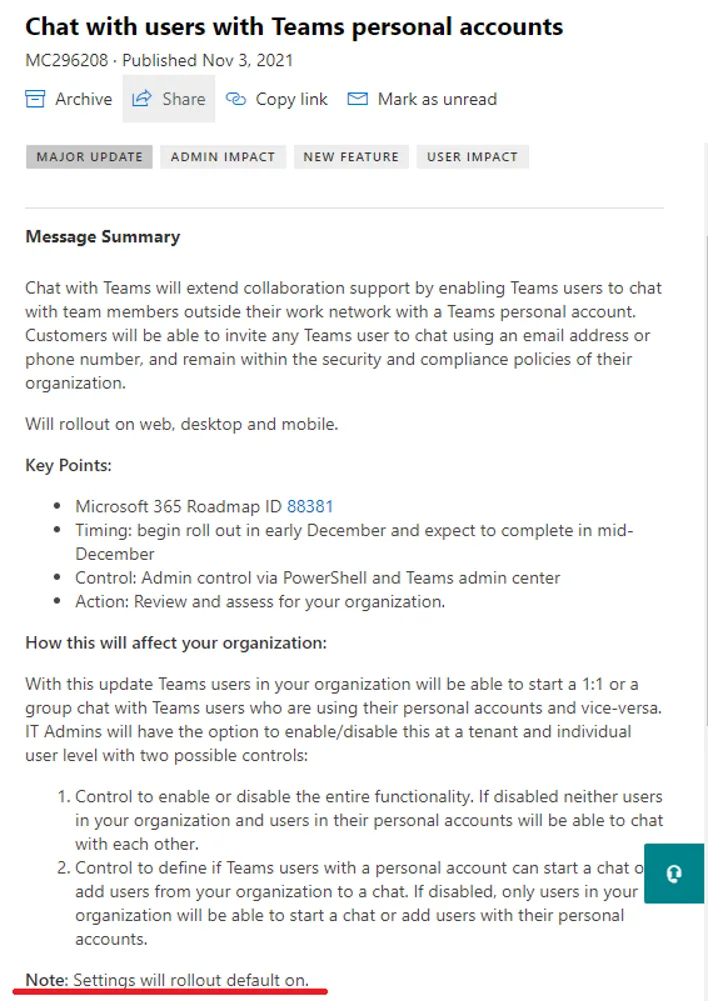
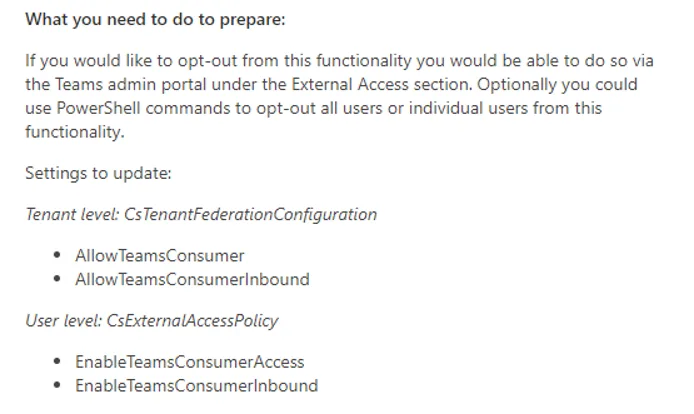
Microsoft are enabling a feature which allows Teams chat with external users using personal Microsoft accounts (e.g. Hotmail, Outlook etc). This potentially opens Teams to data loss or spam from external users, therefore many organisations will want to disable this feature.
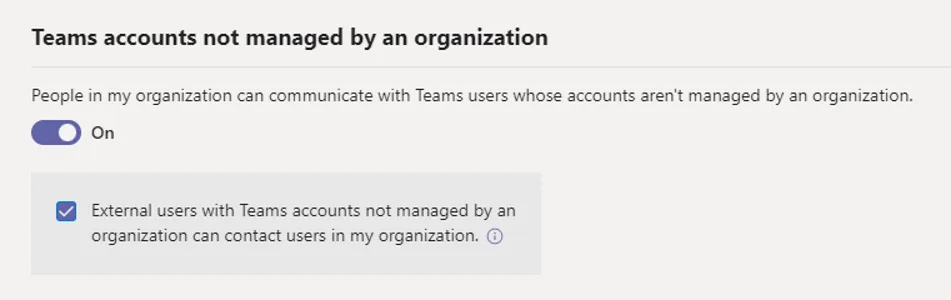
Note that this setting will default to On unless you explicitly turn it off.
Import-Module MicrosoftTeams
Connect-MicrosoftTeams
Get-CsTenantFederationConfiguration   # Check the current setting
Set-CsTenantFederationConfiguration -AllowTeamsConsumer $false   # Turn it off
And that’s it! Quick and easy, and recommended for all new or existing tenants unless you want Teams to be open to personal accounts.