
This is to clarify a confusing Microsoft blog post which states that Conditional Access is included with Microsoft 365.
The Microsoft blog post was referring to the old SKU names. Here’s how they were renamed on April 21st, 2020:
| Old SKU | New SKU |
|---|---|
| Office 365 Business Essentials | Microsoft 365 Business Basic |
| Office 365 Business Premium | Microsoft 365 Business Standard |
| Microsoft 365 Business | Microsoft 365 Business Premium |
So the blog post was referring to what is now called Microsoft 365 Business Premium. To use Conditional Access with a Business license, you must have Business Premium — Basic or Standard are not enough.
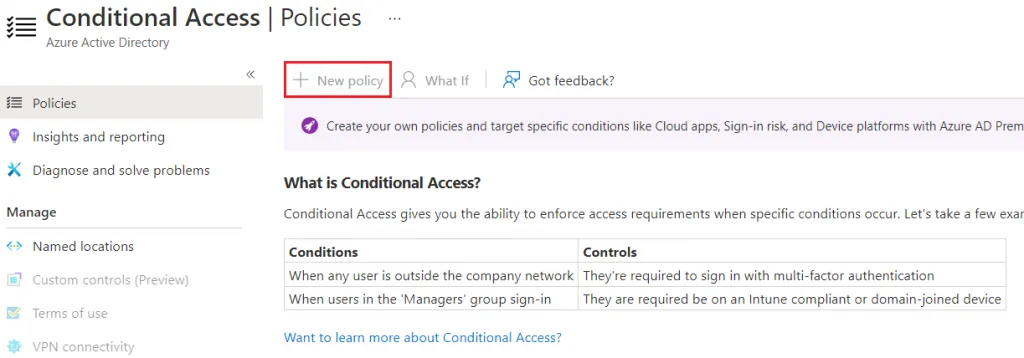
If you have at least one user with Microsoft 365 Business Premium or any other SKU which has Azure AD Premium (P1 or P2), the option will be enabled. Technically, just one license enables the feature in the tenant. However, the Microsoft stance is that all users who are being affected by the policies should have an eligible license.
It is common that Admin users do not have licenses at all (since they are just used for management), however you always want those accounts to have enforced MFA via Conditional Access, and it works just fine.
You need at least one Microsoft 365 Business Premium or Azure AD Premium license to have Conditional Access enabled in your tenant, and you should then be able to use it for all users.

